Run your eve agents in microVMs: the native sandbox provider for Vercel's eve
Easybits Team
10 min de lectura
eve
Updated September 23, 2026 for eve 0.64+. eve 0.64 changed how sandboxes are declared (from
defineSandbox({ backend, bootstrap })to providers withenvironment.open()). Everything below is tested with eve 0.65 and@easybits.cloud/eve-sandbox0.2. If you're still on eve 0.63 or earlier, pin@easybits.cloud/eve-sandbox@0.1.
eve is Vercel's open-source agent framework: an agent is a directory (instructions, tools, channels, schedules) and every session is a durable Workflow SDK run. When the agent needs to execute code, eve asks a sandbox provider for a box. It ships several (Vercel Sandbox, Docker, microsandbox, just-bash) and keeps the interface public so anyone can write their own.
@easybits.cloud/eve-sandbox is that provider for EasyBits: it covers the full contract, and every session of your agent runs in its own Firecracker microVM, in your account, billed on your plan in Mexican pesos. Change one file; the agent never notices.
There are two ways to use it, and it pays to pick before you start:
- Route 1 — Free, without moving your server. The eve server stays where it already is (Vercel or your laptop) and only the sessions run on EasyBits. Fits the free plan.
- Route 2 — Everything on EasyBits. The eve server also lives in a box, with a public URL and durable state in EasyBits DB. Requires the Mega plan or above.
Route 1 — Free, without moving your server
1. Create the project and install the provider
You need Node ≥ 24 on your machine (eve requires it). If you already have an eve project, skip to the npm i:
The export const environment is required: eve build looks for it to prepare the template before any session exists.
2. Pick the model
The eve init scaffold points at Vercel's AI Gateway (model: "spacexai/grok-4.7" as a string), which outside Vercel needs AI_GATEWAY_API_KEY. To call a provider directly, eve already ships helpers; nothing to install:
OpenAI works the same way: openai() from eve/models/openai, which reads OPENAI_API_KEY.
3. Build and start the server where it already is
With EASYBITS_API_KEY in the environment, on your laptop:
eve start answers 401 locally, even from localhost (the scaffold's localDev() is ignored in production): to try it on your machine use eve dev --no-ui, or declare httpBasic as in route 2. On Vercel (or any Node 24) eve start works as usual: the server runs there and every session that needs code asks EasyBits for its box.
We tested it with a brand-new free account: on the first message the agent ran cowsay (installed in prepare) inside its microVM.
4. What happens underneath
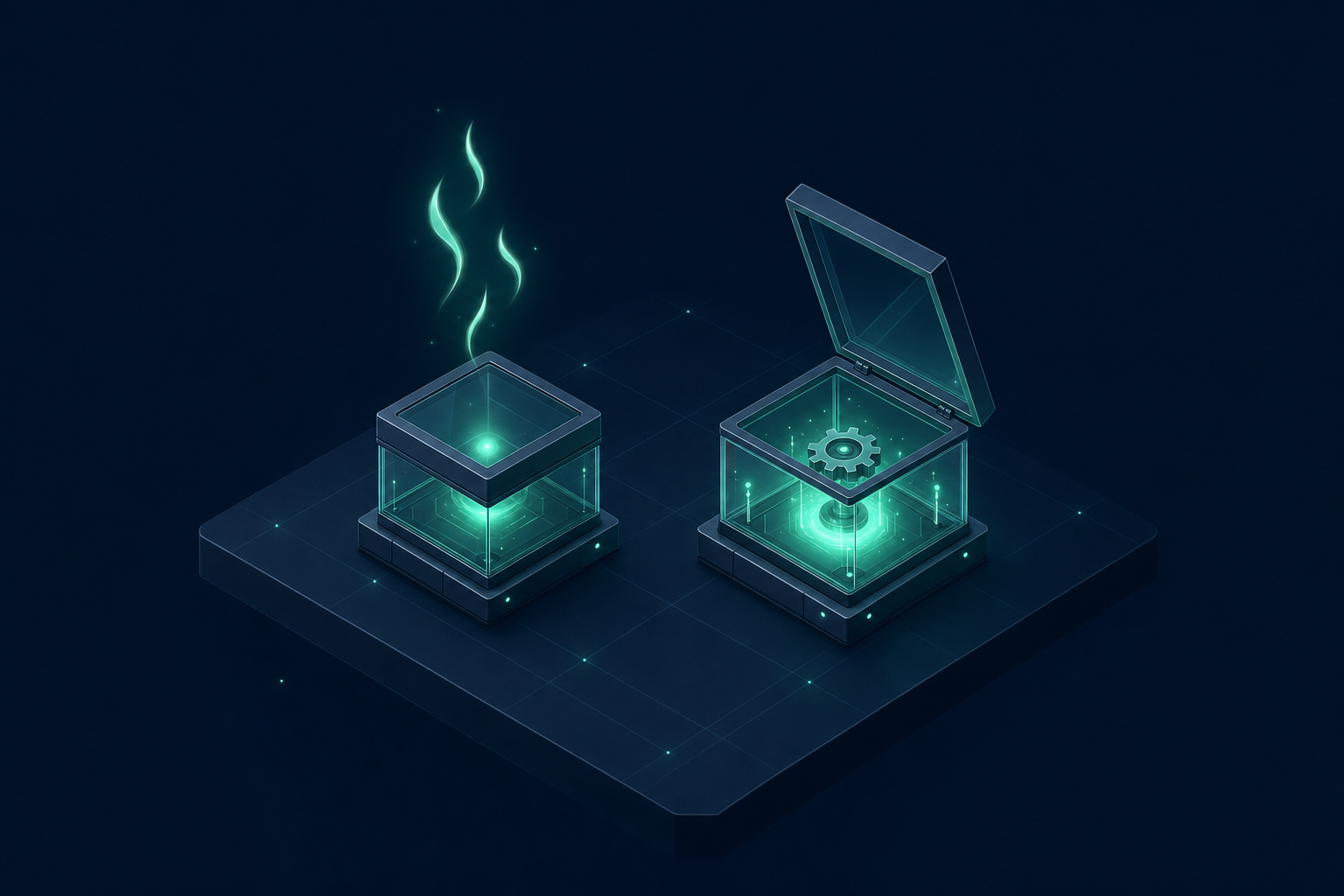
eve build calls the provider's prepare(): we spin up a temporary node box, copy your agent/sandbox/workspace/ to /workspace and your skills to ~/.agents/skills, run your prepare(sandbox), capture the result as a derived template keyed by content (POST /sandboxes/:id/template-snapshot, 12-24 MB) and destroy the temporary box. The next build finds the template and rebuilds nothing (reusada): measured, 0.3 s versus 9.7 s the first time. Change prepare, the workspace or the skills and you get a new template; unused for 30 days, it deletes itself.
When a session asks for a box, environment.open() calls start(): the box is born from that template (POST /sandboxes with templateKey + templateHash), with everything from prepare already done, in ~5 s. Between turns the box sleeps with a snapshot of the whole VM and wakes in ~1 s; if the server restarts, eve calls resume() with the state it saved and reopens the box with its disk exactly as it was left. If that box no longer exists, resume() fails (that's what eve's contract asks for) and eve opens a new session. Stopping the session puts it to sleep; deleting it destroys it. run() and spawn() run in a login shell with stdout and stderr as streams, and kill() signals the whole process group.
5. Per-box network policy
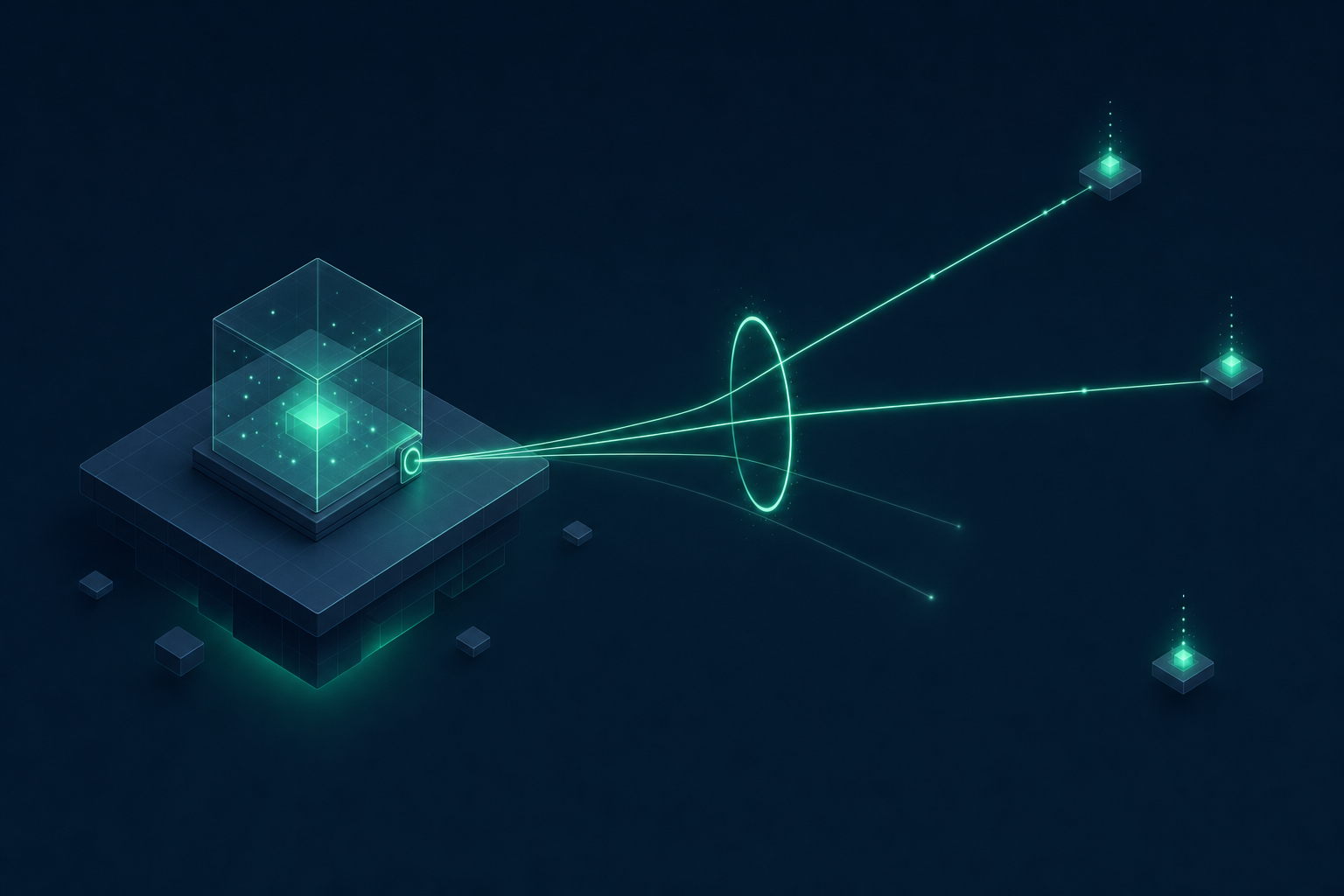
Only to the domains you allow for that box, or to none ("deny-all"). You can also change it live with sandbox.setNetworkPolicy(...); it survives sleep and wake, and if a domain isn't on the list the connection simply doesn't go out. It's the same shape eve uses on Vercel Sandbox, so your agent's code doesn't change. The one thing we don't do is transform (injecting headers at the firewall): it throws a clear error instead of pretending.
What the free plan (Byte) gives you
- One concurrent box: one conversation at a time. A sleeping box from an earlier session doesn't take your slot.
- 1-hour sessions and size
s(512 MB). - Preparation uses a temporary box that is destroyed once the template is captured, so it doesn't take your slot afterwards.
When your agent serves several conversations at once, or needs longer or bigger sessions, move to Mega ($499 MXN/month, 2 boxes, 4-hour sessions) or Tera ($2,490 MXN/month, 5 boxes, 24 h). Mega is also the minimum for route 2.
Route 2 — Everything on EasyBits (Mega or above)
Here the eve server runs in an eve-nitro box and every session in its own child box: that's at least two concurrent boxes, which is why it doesn't fit Byte. In exchange the server has a public URL, its state outlives the machine, and you need nothing outside EasyBits.
1. Create the box and the app inside it
The eve-nitro template ships Node 24, pnpm and the eve 0.65 CLI, so eve init uses pnpm. The --allow-build=cbor-extract flag is required with pnpm 12: without it pnpm add fails with ERR_PNPM_IGNORED_BUILDS (eve-world needs it). /data is the persistent volume, but not the working directory: exec starts in /, which is why every command does an explicit cd /data.
The agent's files are written with the REST v2 files endpoint (POST /sandboxes/:id/files/write, content as text or "encoding":"base64"). This uploads agent/sandbox.ts (the same one as route 1); agent/agent.ts and agent/channels/eve.ts from steps 2 and 3 go the same way:
2. Pick the model and the world
Same as route 1, plus one line: eve's durable state goes to EasyBits DB with @easybits.cloud/eve-world, in agent/agent.ts:
3. Set auth on the server
In production eve requires auth on its HTTP API: with the scaffold (vercelOidc()/localDev()/placeholderAuth()) the public URL answers 401 Authorization is required for this route. Edit agent/channels/eve.ts:
4. Build, start and expose
eve build prepares the session template, so it needs EASYBITS_API_KEY in the exec's env (without it: @easybits.cloud/eve-sandbox: falta apiKey).
The eve-nitro box is born with EASYBITS_DB_URL in its environment (no token), so the world finds it on its own. To resume runs on a new box, create it with the same value ("env":{"EASYBITS_DB_URL":"…"} in the POST /sandboxes); you can read it from metadata.eve_db_url of the original box. Without it, eve silently falls back to the box's disk. The public URL proxies /eve/ and /.well-known/workflow/ with no configuration, but eve asks for the auth you declared, so every call goes with -u eve:$EVE_PASSWORD.
5. Talk to it
Three calls: creating the session returns { sessionId }, the stream is NDJSON events (message.completed carries the answer) and the same id accepts more messages:
6. The run survives the machine
By default eve keeps each run's state on the server's disk. With eve-world (the world line from step 2) that state —runs, steps, hooks, streams and the delivery queue— lives in EasyBits DB. It belongs to this route and not the free one: the database URL is on EasyBits' internal network, reachable only from a box.
We measured it again on eve 0.65: we gave the agent a keyword, destroyed the server box and brought up another one with the same EASYBITS_DB_URL. The new server was ready in 21 seconds and, asked about the same session, it remembered the word and went back to its same session box. Earlier, on eve 0.58, an 8-step run cut in half resumed at the next step without repeating the previous ones. It's a port of the official Postgres world to libSQL, on the same version line as eve.
Start today
Route 1: create the project, install the package, write agent/sandbox.ts and agent/agent.ts, and run eve build and eve dev/eve start where you already ran them; free, one conversation at a time. Route 2: move to Mega and follow the six steps. The product page is at /eve, the reference at /docs/eve.md, and your own agent can set it up with npx skills add https://www.easybits.cloud --skill easybits-eve.

